Tutorials

Learn Jakten Assurance and Jakten Risk

Short tutorials recorded in the shipping clients: 12 for Jakten Assurance, from importing estimate detail to publishing a governed basis, and 11 for Jakten Risk, from pricing ranges to the funding position. Both follow the same project, so the estimate Assurance publishes is the one Risk analyzes.
Jakten Assurance tutorial 1: the Assurance workspace and Command Center for a fictional semiconductor fab project
Start here — Assurance 1. Getting around Assurance (2:21).
About the data: every tutorial is recorded against a fictional sample project — representative sample output from a fictional semiconductor fab project, not a customer estimate. The software is the shipping client; the figures are sample data.

Jakten Assurance

Governing the estimate: Packages, the Cost Model, changes, should-cost, comparisons, reviews, the Basis of Estimate and delivery. Watch in order for a full walkthrough, or open the one you need. English captions are included with every tutorial.
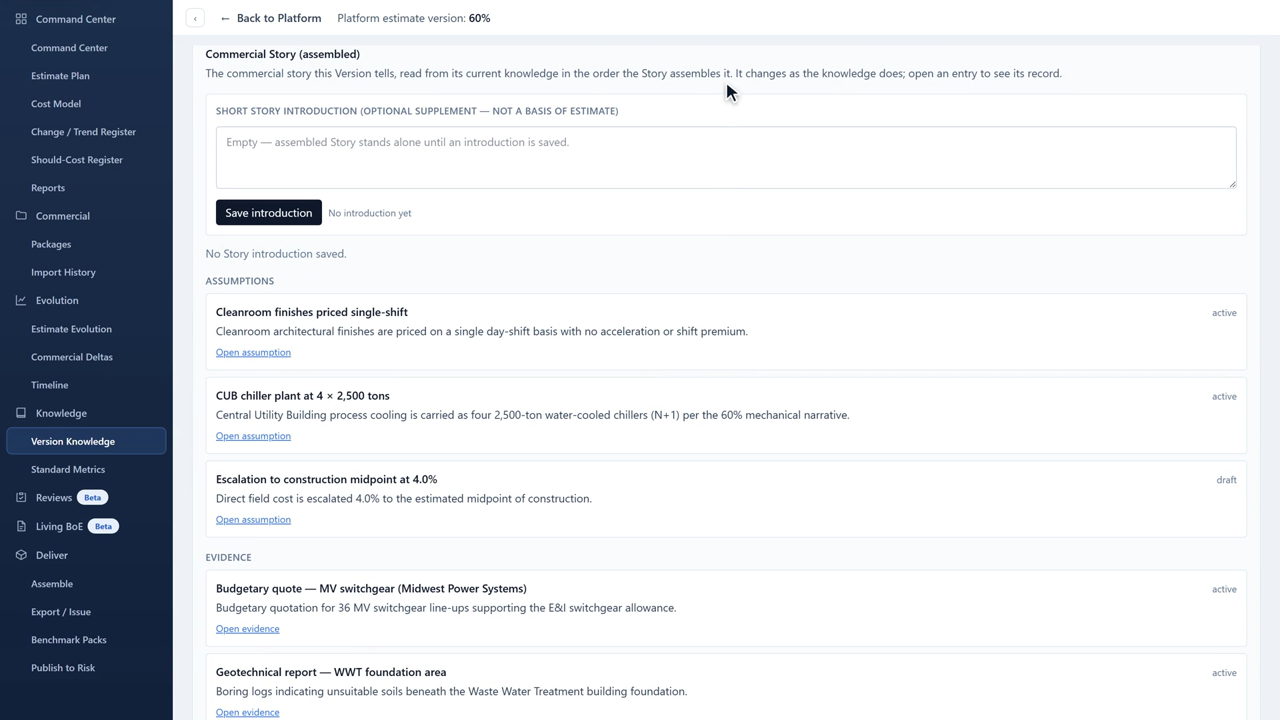
Jakten Assurance tutorial 1: Getting around Assurance
1. Getting around Assurance 2:21How the workspace is organized, what Command Center tells you about the current Estimate Version, and where each kind of work lives.
Jakten Assurance tutorial 2: Import an estimate into Packages
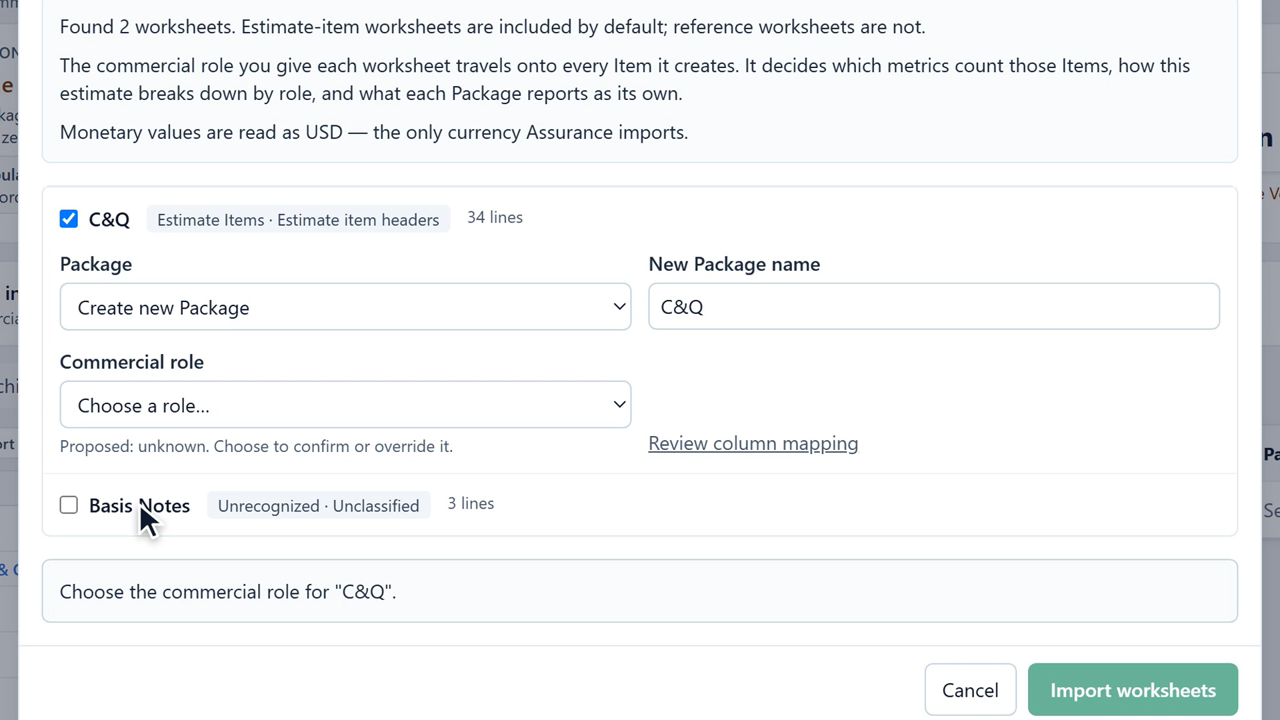
2. Import an estimate into Packages 2:34Bring an Excel estimate into a governed Package, confirm its commercial role and column mapping, and check the result in Import History.
Jakten Assurance tutorial 3: Read a Package
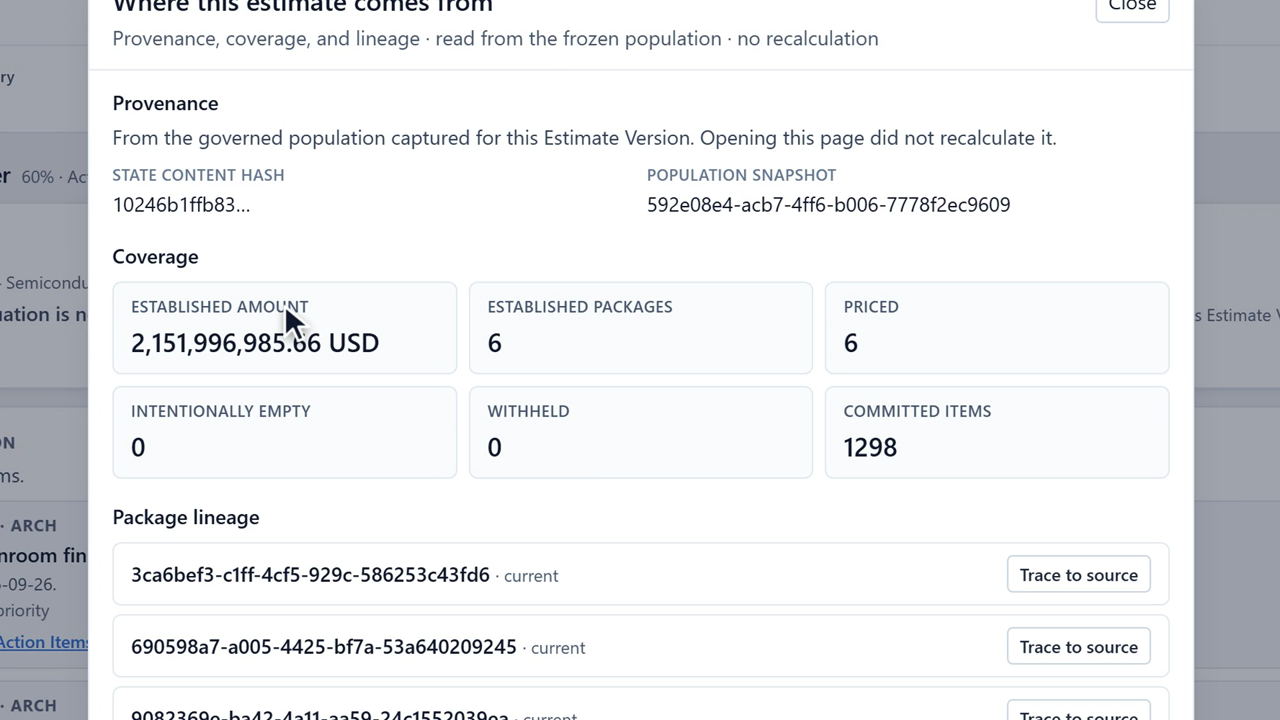
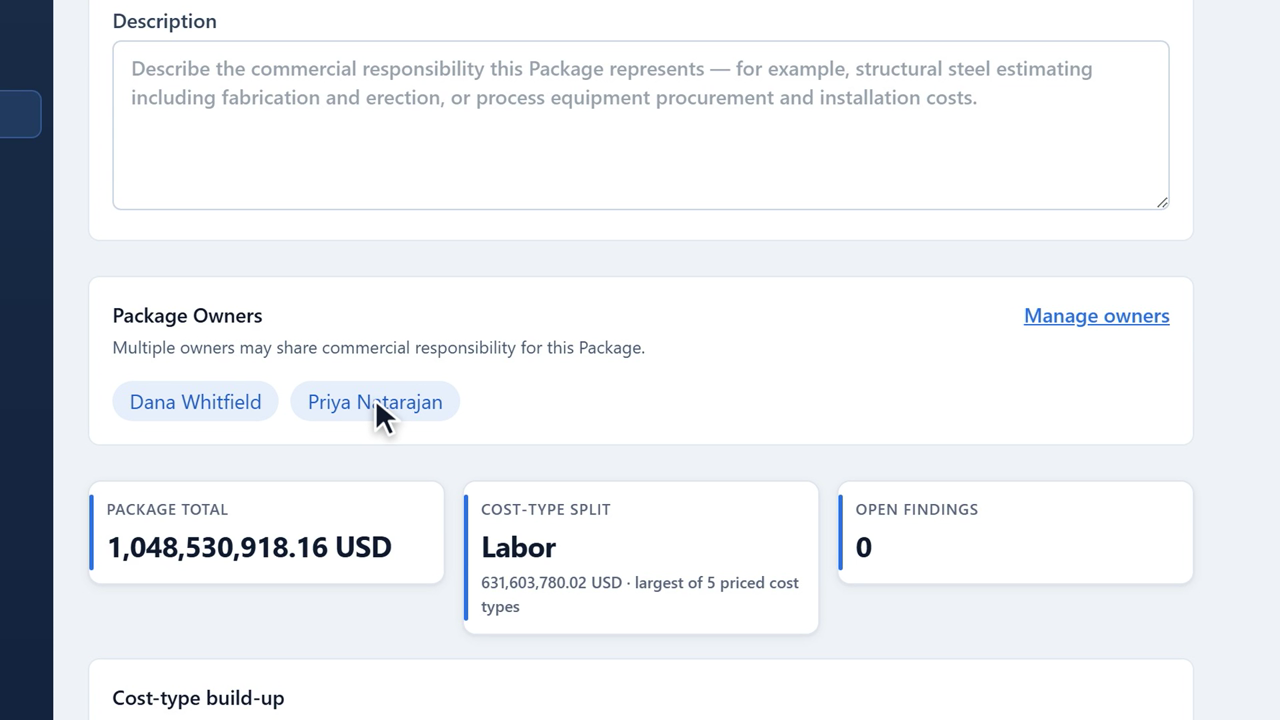
3. Read a Package 2:02What a Package tells you, how its total is built from its own lines, and how to follow any figure back to the import behind it.
Jakten Assurance tutorial 4: Build the Cost Model
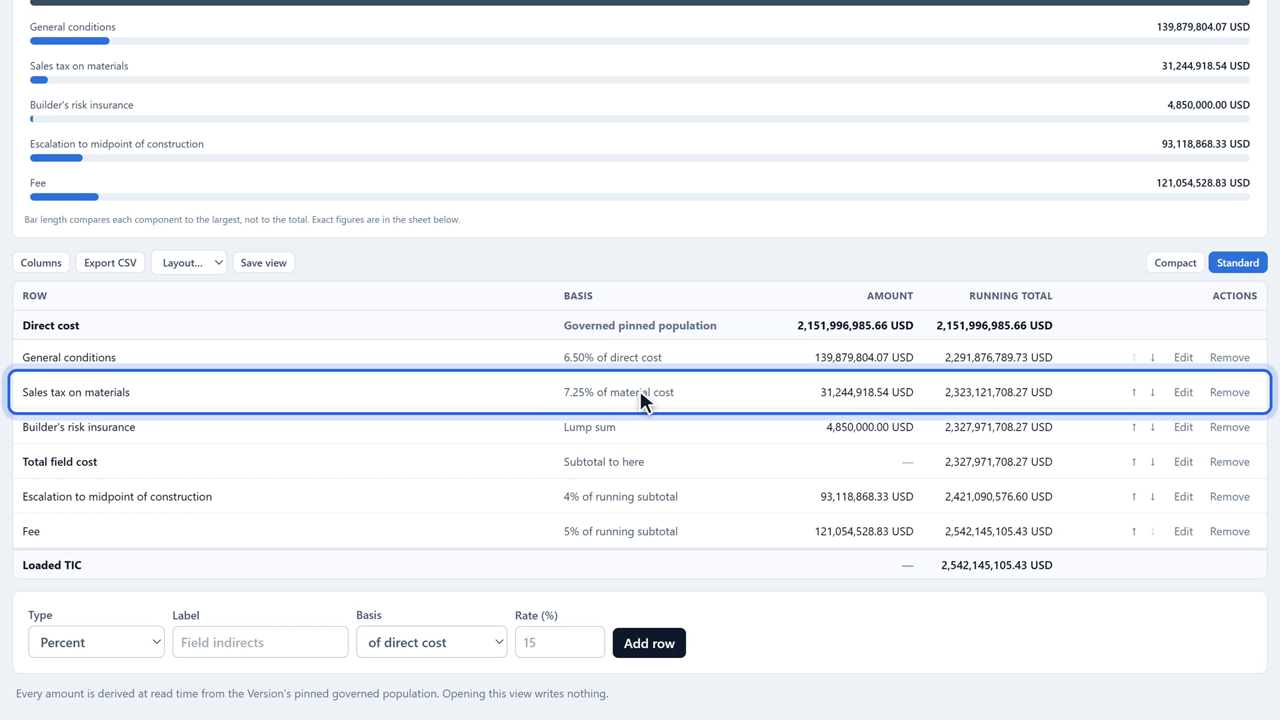
4. Build the Cost Model 1:58How Assurance builds from governed direct cost to the loaded project total, what each row type does, and how to add one.
Jakten Assurance tutorial 5: Track changes and trends
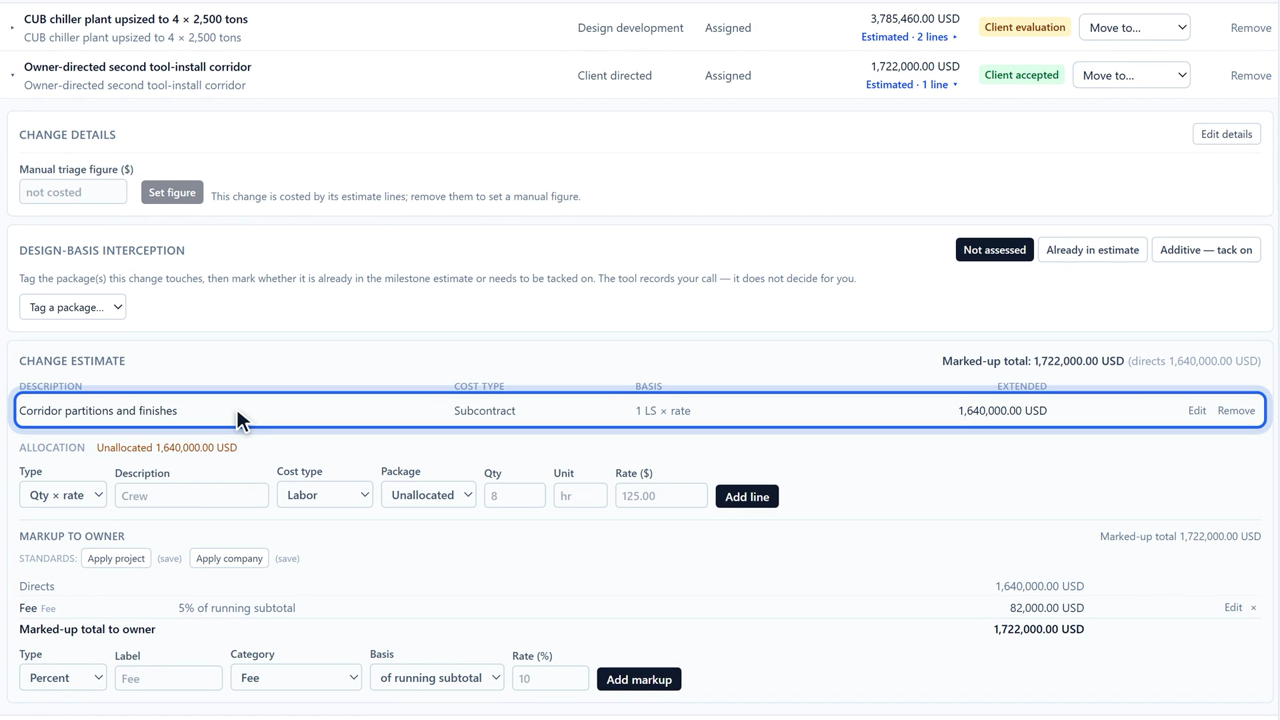
5. Track changes and trends 1:56Capture a change, estimate it, record whether it is already in the estimate or additive, and carry an accepted one into the loaded total.
Jakten Assurance tutorial 6: Hold quotes to should-cost
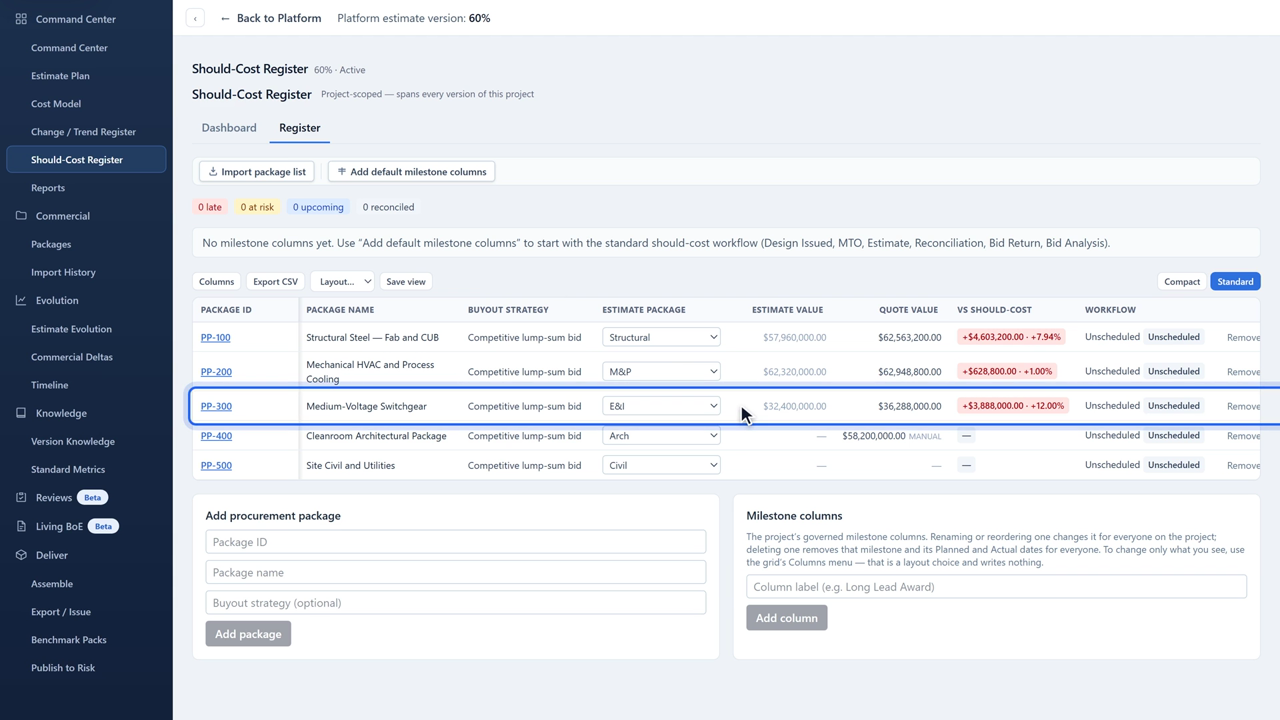
6. Hold quotes to should-cost 2:04Track procurement packages against the estimate's own scope: should-cost, quotes, variance to the line, and the buyout schedule.
Jakten Assurance tutorial 7: Compare what changed
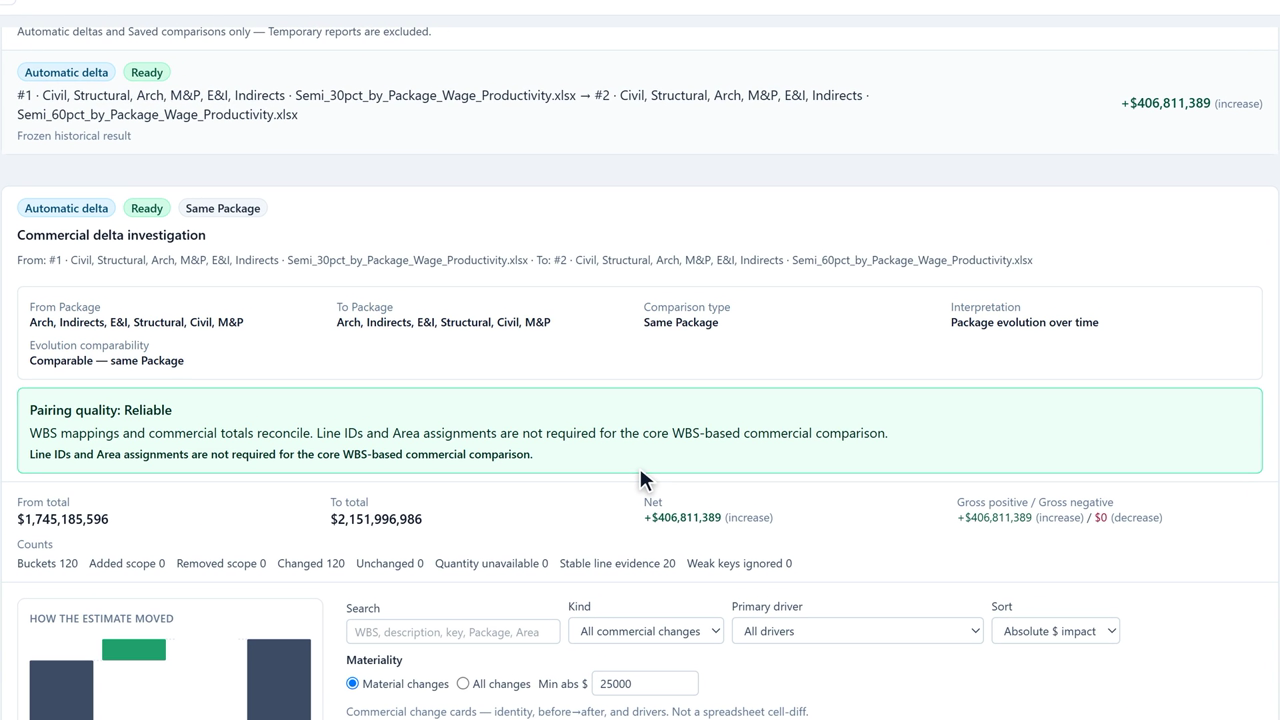
7. Compare what changed 1:43Read the frozen comparison between two committed imports: how the estimate moved, what drove it, and which Packages carry the movement.
Jakten Assurance tutorial 8: Plan the estimate
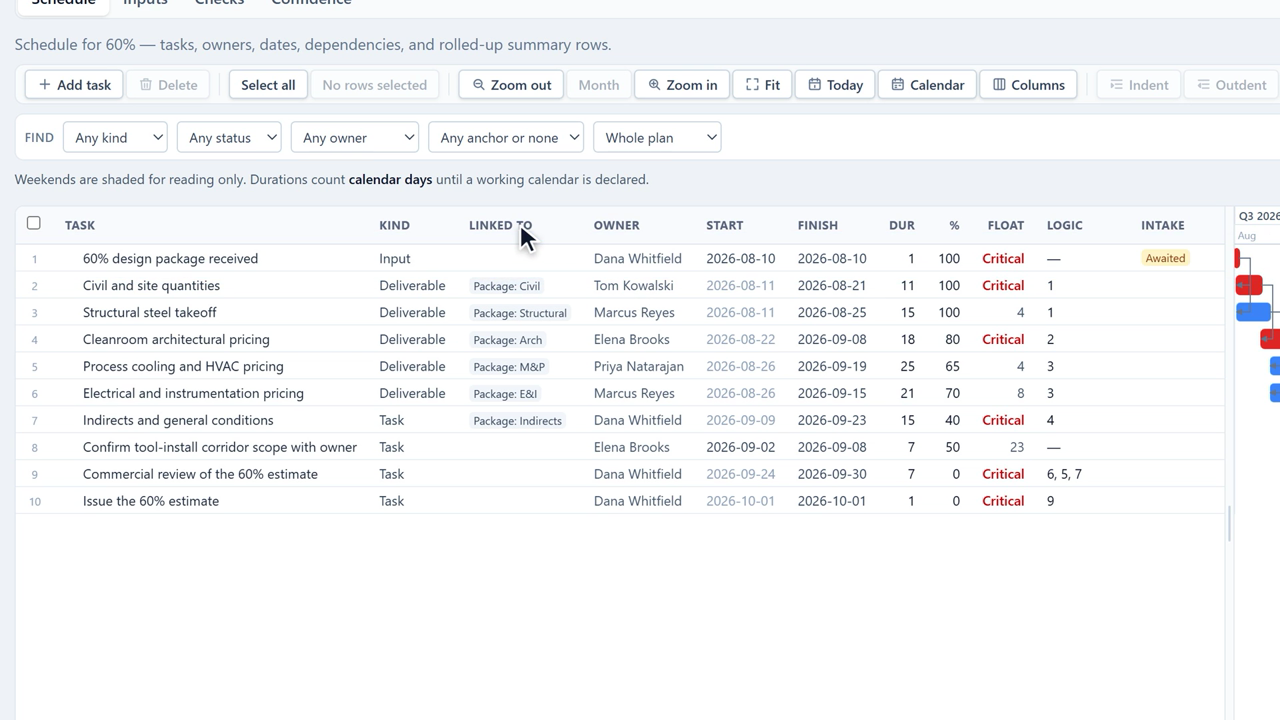
8. Plan the estimate 1:32Schedule the work that builds an Estimate Version — deliverables, inputs and tasks, with owners, dependencies and the Packages they serve.
Jakten Assurance tutorial 9: Knowledge and Standard Metrics
9. Knowledge and Standard Metrics 1:57Record what the estimate rests on, read the company metric library against this version, and check unit rates against your own history.
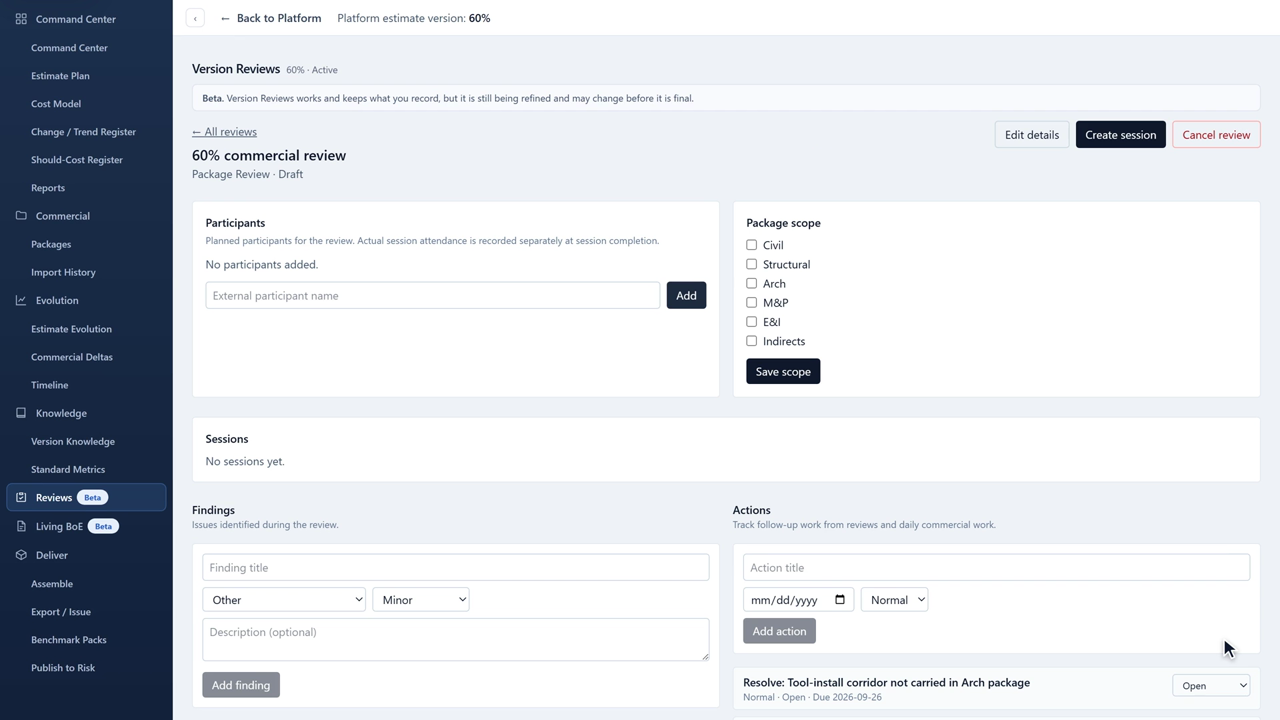
Jakten Assurance tutorial 10: Run a Version Review
10. Run a Version Review 1:44Review a version against a frozen estimate basis: scope, findings, actions and the decisions that settle them.
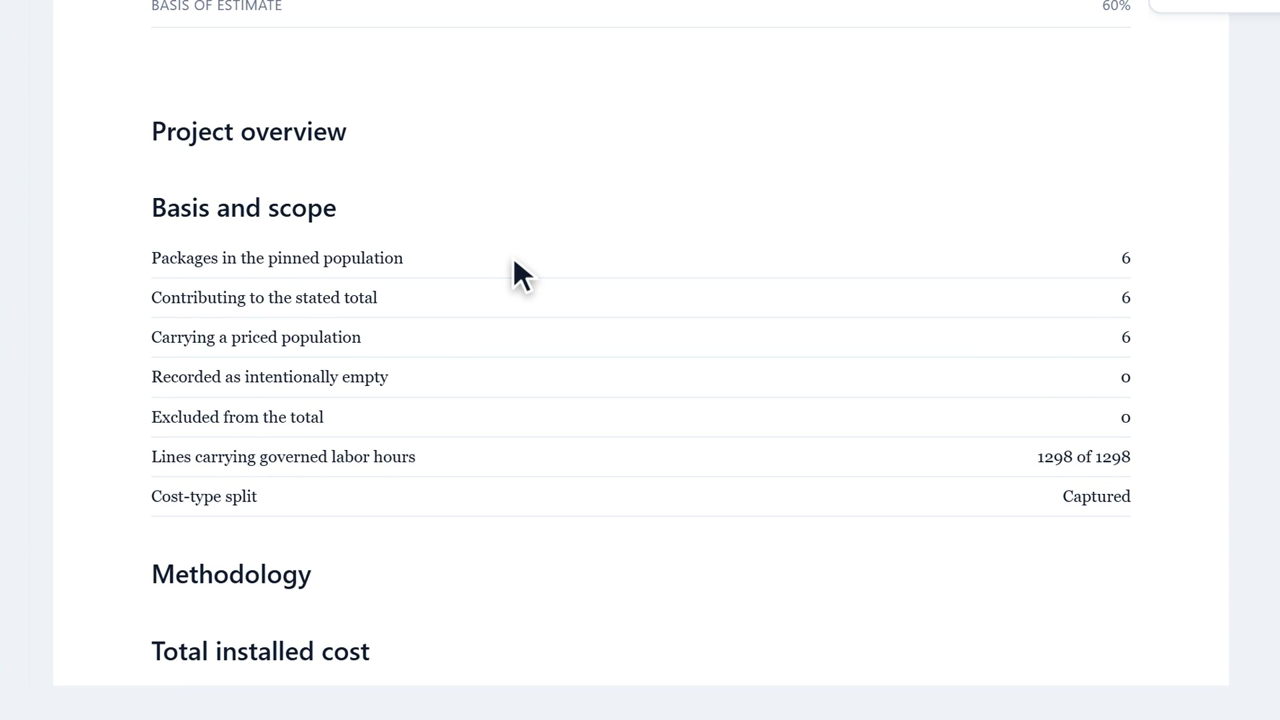
Jakten Assurance tutorial 11: Maintain the Living BoE
11. Maintain the Living BoE 1:38Build the Basis of Estimate as the version develops: governed blocks that read live figures, your own words around them, and what freezes when you issue.
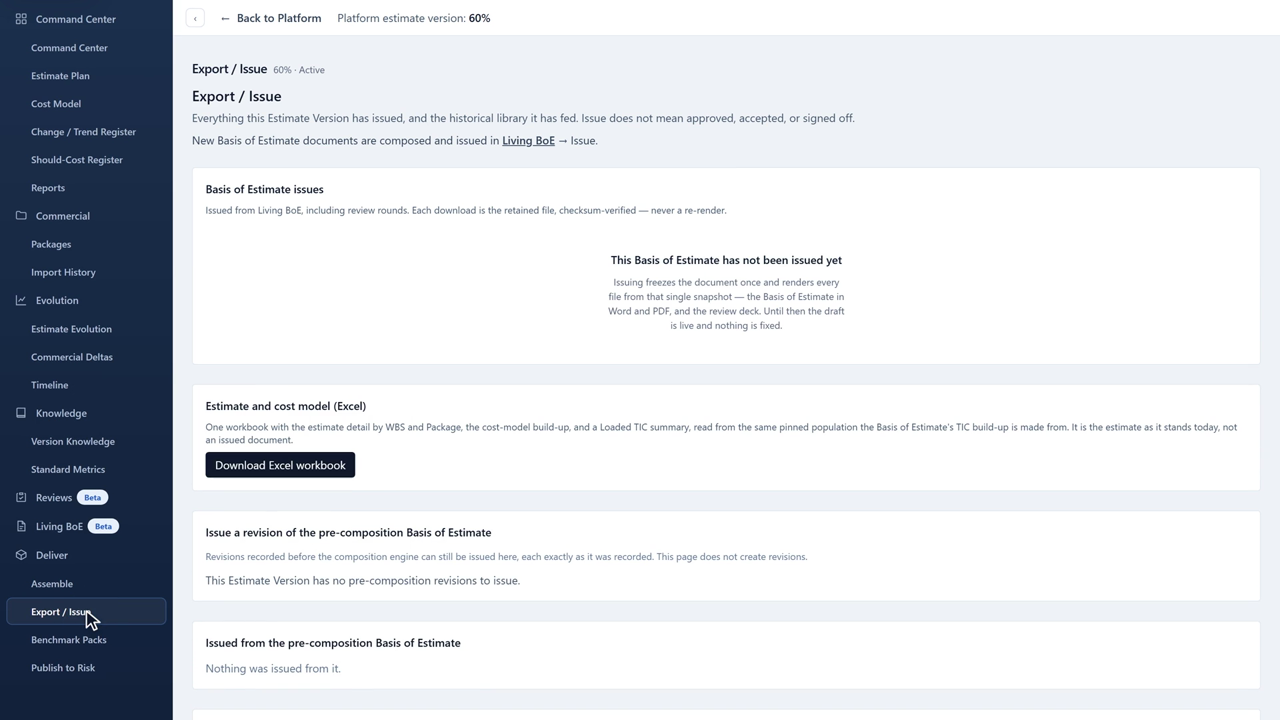
Jakten Assurance tutorial 12: Deliver and publish
12. Deliver and publish 1:45Assemble against advisory gates, issue retained artifacts, keep a benchmark of the milestone, and hand a governed basis to Jakten Risk.

Jakten Risk

Analyzing the estimate Assurance published: ranges, quantity growth, dependencies, exposures, events, schedule cost, the run, and what the results say. English captions are included with every tutorial.
Jakten Risk tutorial 1: Getting around Jakten Risk
1. Getting around Jakten Risk 1:36Where Risk sits in a project, the workbench tabs and the order to use them, and the two commands that follow you everywhere.
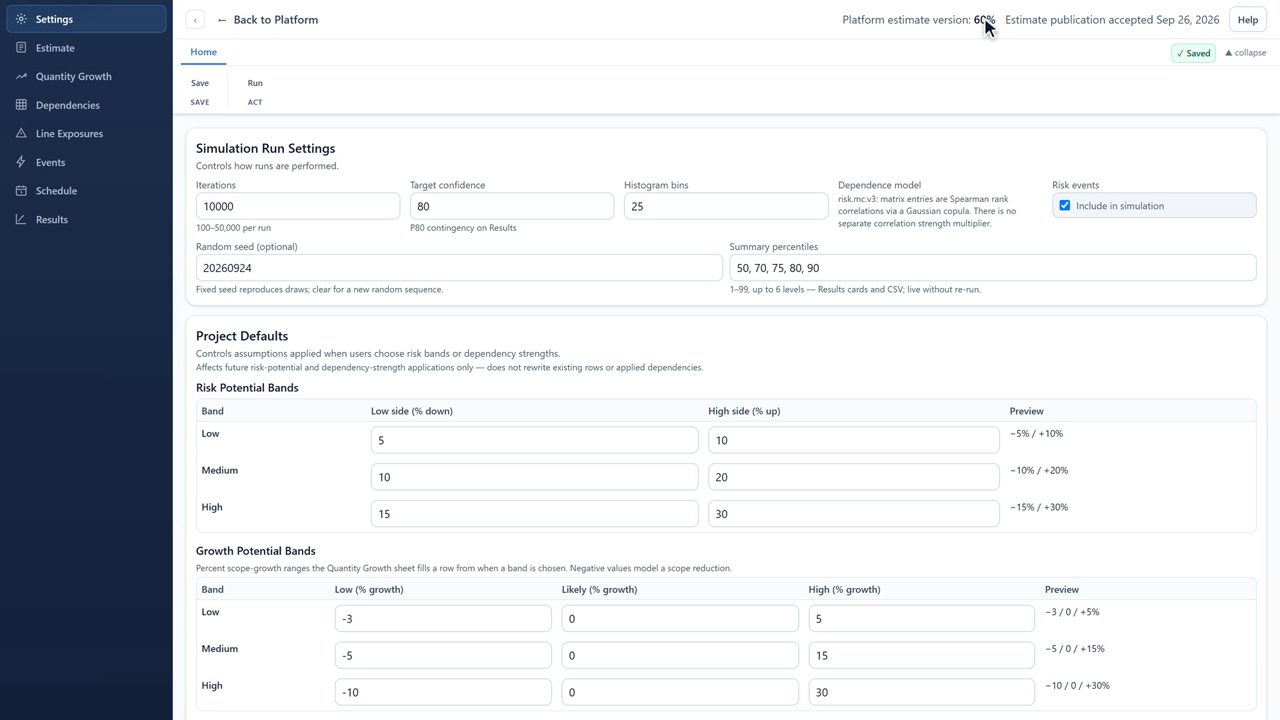
Jakten Risk tutorial 2: Settings and project defaults
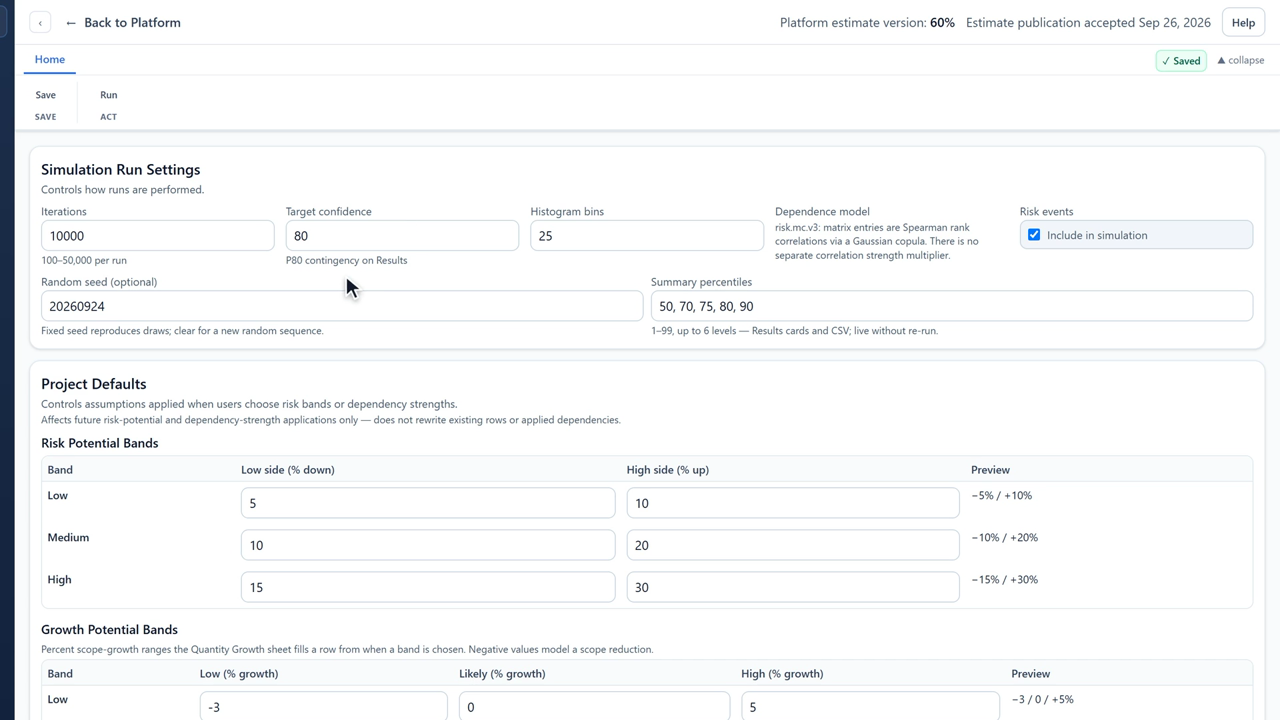
2. Settings and project defaults 1:50How many iterations a run draws, the confidence you fund to, a seed that makes a run repeatable, and the bands every range is filled from.
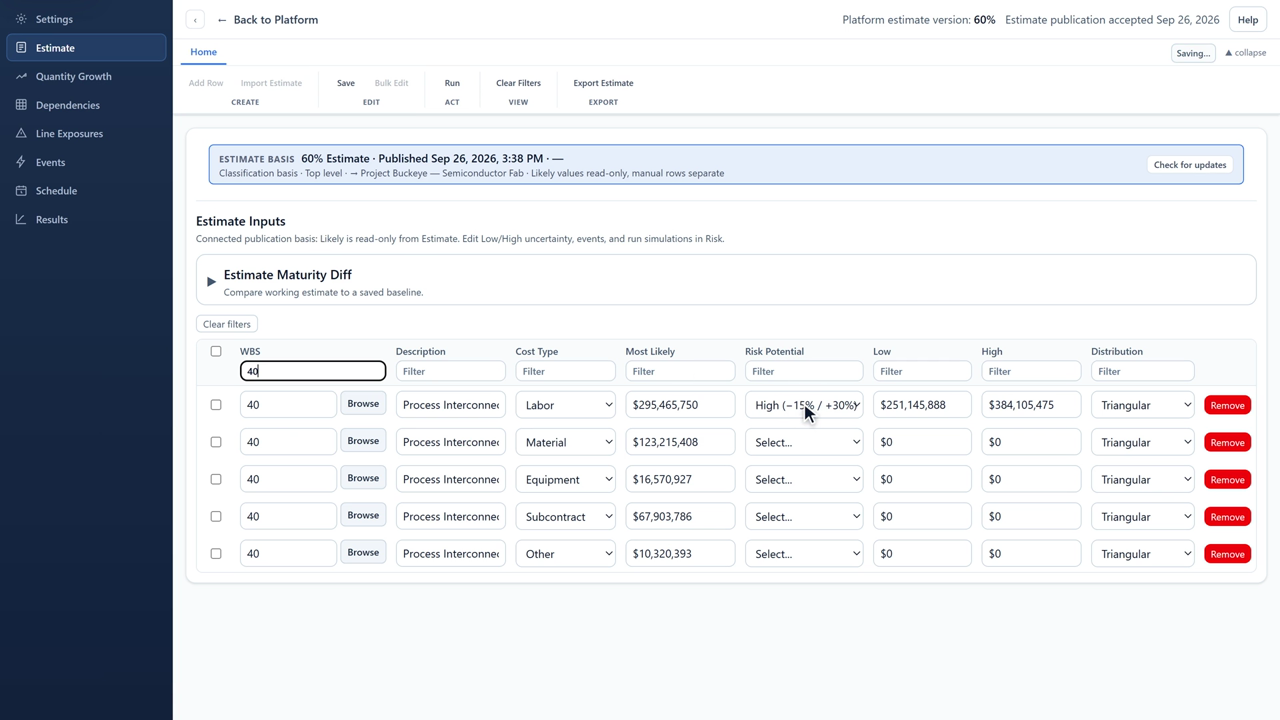
Jakten Risk tutorial 3: Pricing ranges
3. Pricing ranges 1:45The published Likely stays read-only; the range around it is yours. Set it one line at a time with a risk potential band, or across many lines with a previewed bulk edit.
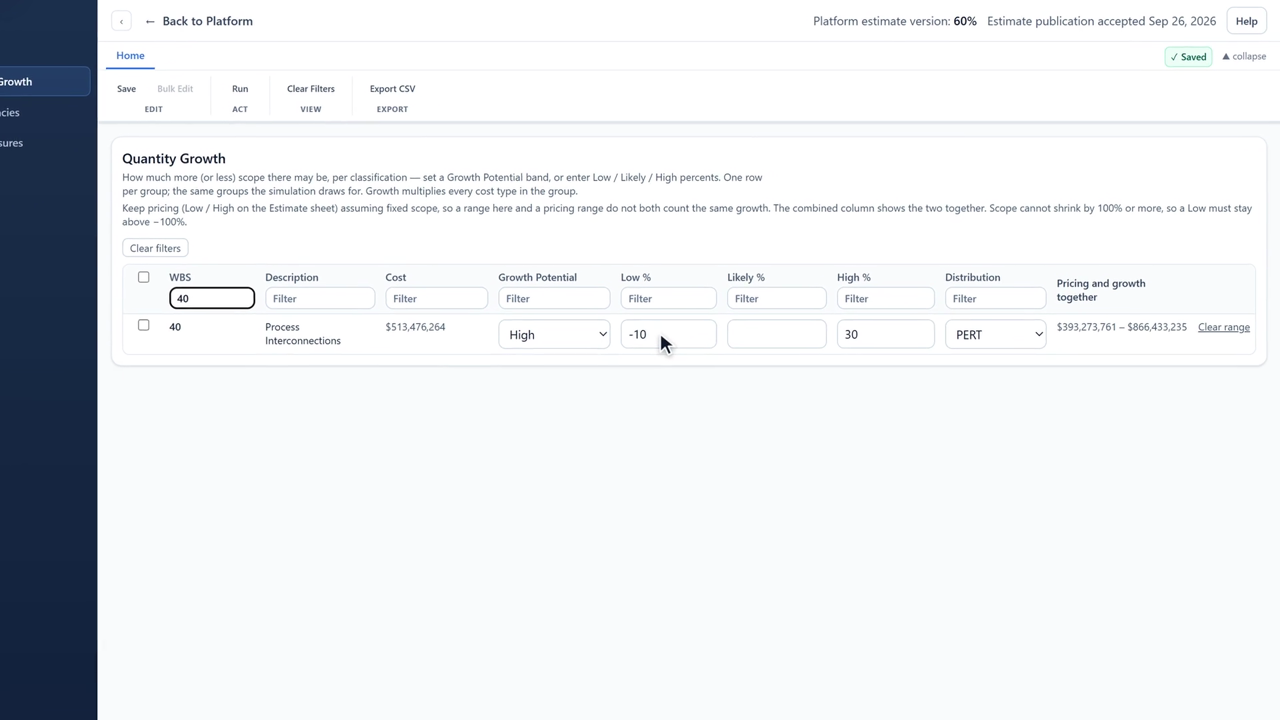
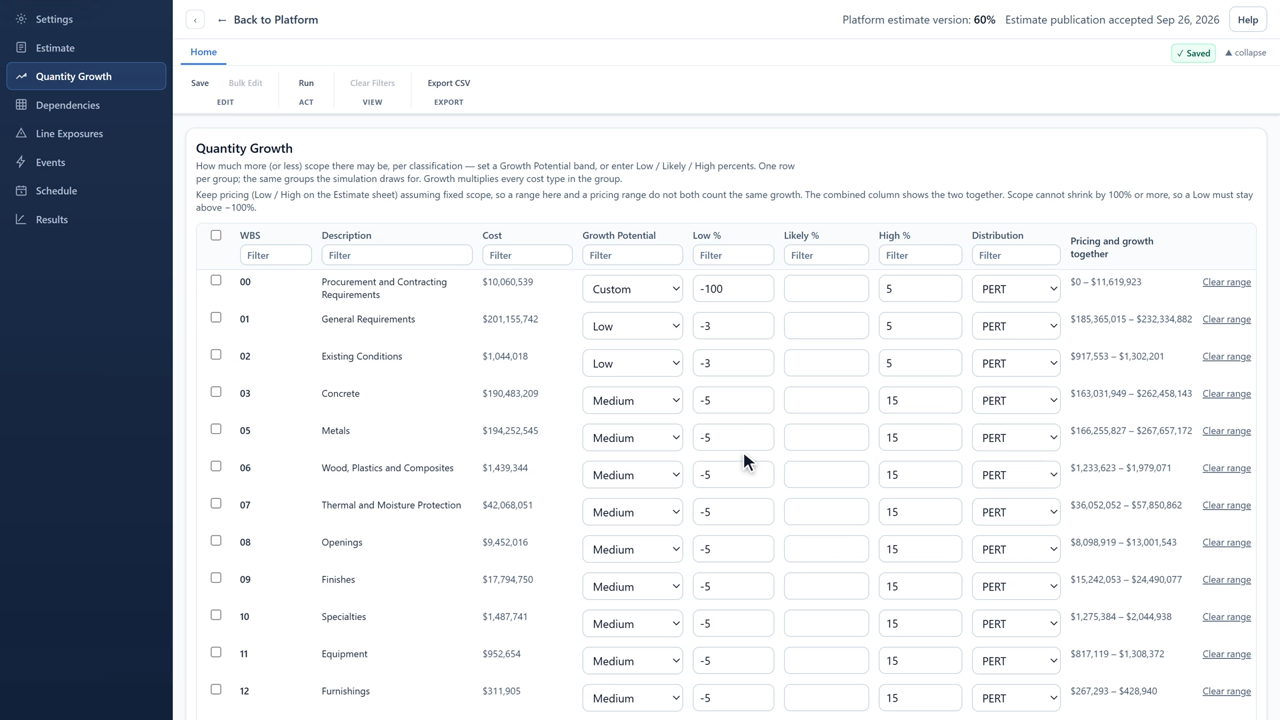
Jakten Risk tutorial 4: Quantity growth
4. Quantity growth 1:45Pricing uncertainty and scope growth are two different risks. Set growth per classification, let it shrink as well as grow, and see the two side by side so nothing is counted twice.
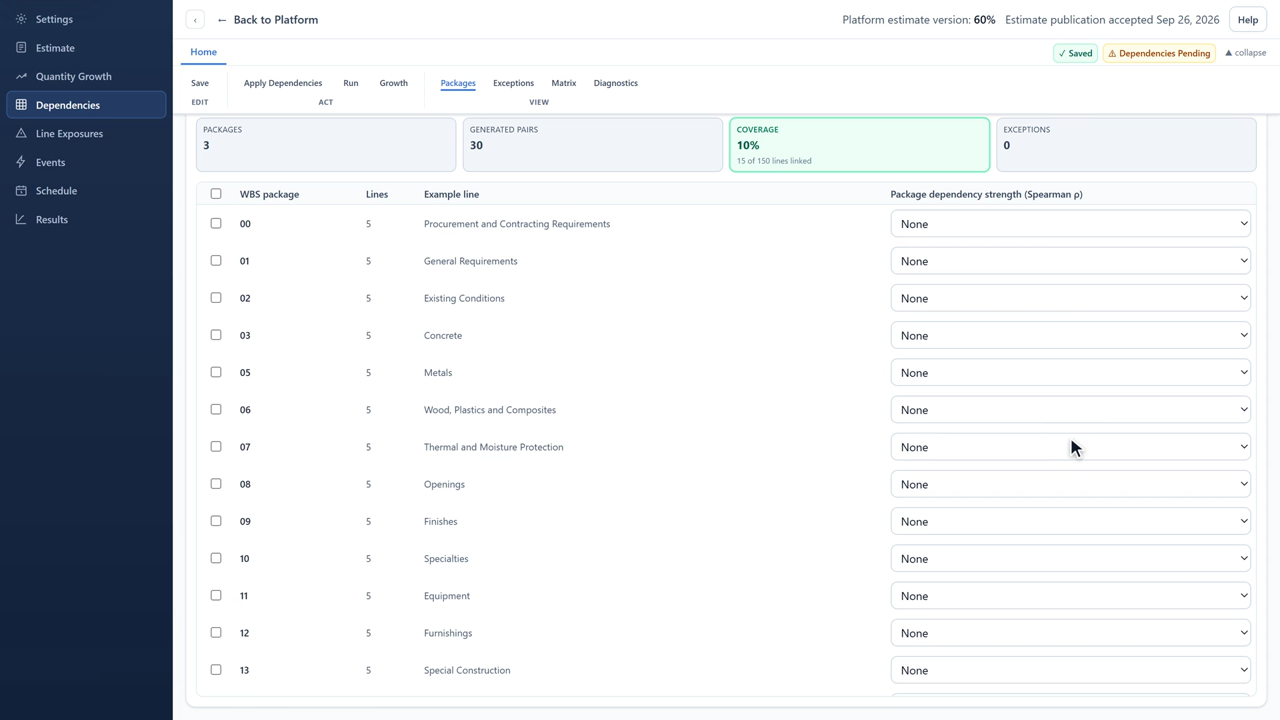
Jakten Risk tutorial 5: Dependencies
5. Dependencies 1:52Work that shares a cause moves together. Link it by WBS package, check the compiled matrix, correlate growth where scope grows as one, and apply.
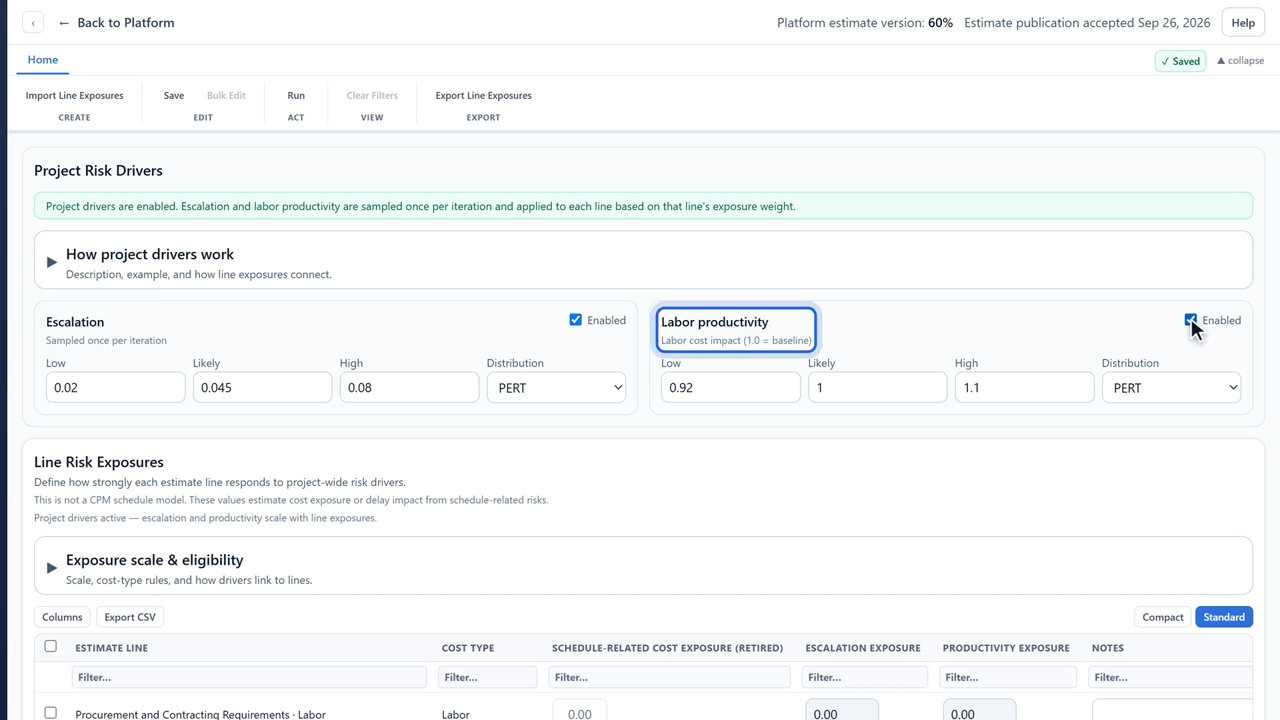
Jakten Risk tutorial 6: Line Exposures
6. Line Exposures 1:33Escalation and labor productivity are project-wide forces. Turn them on once, then say how strongly each line feels them.
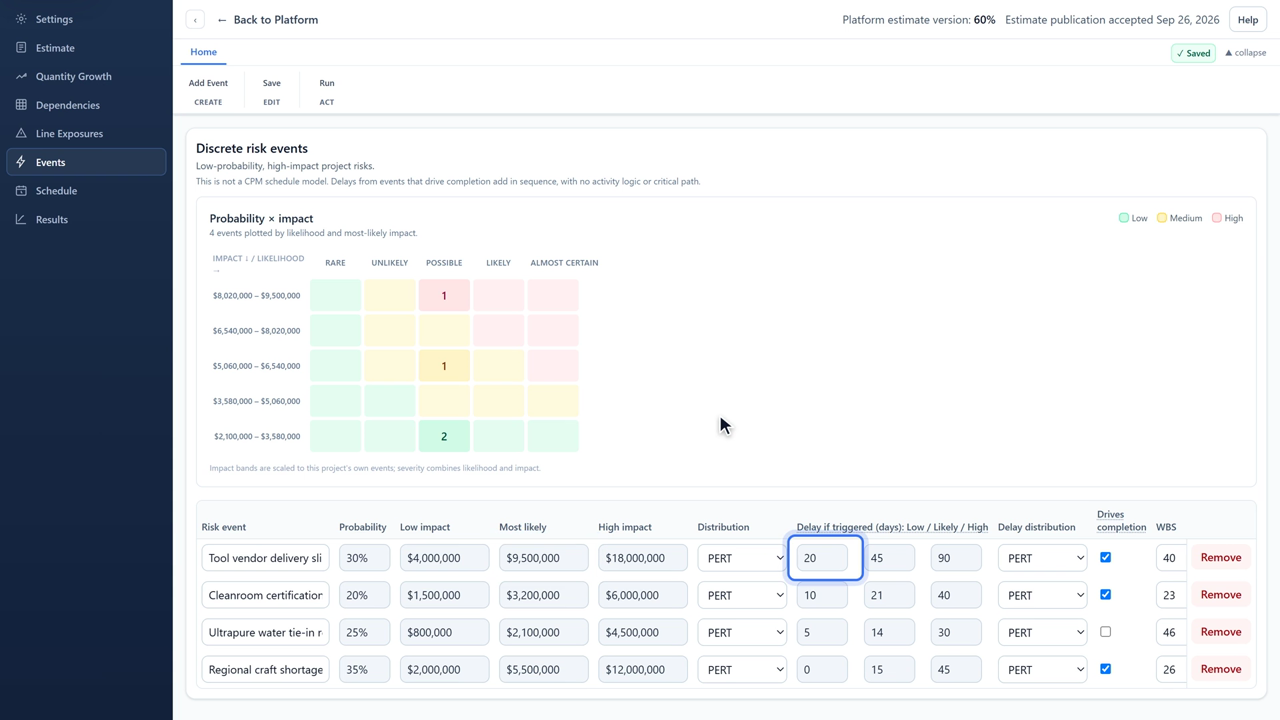
Jakten Risk tutorial 7: Events
7. Events 1:44Discrete risks either happen or they don't. Give each one a probability, an impact range and a delay, and say whether it moves the finish date.
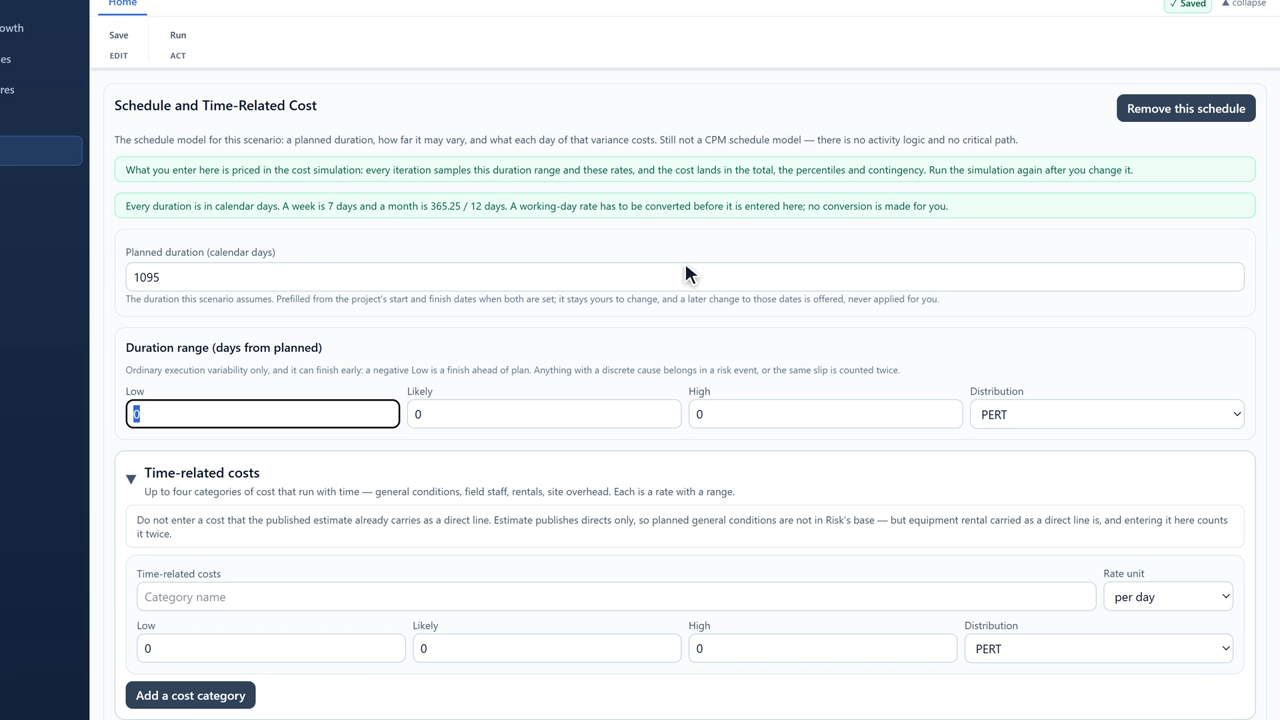
Jakten Risk tutorial 8: Schedule and time-related cost
8. Schedule and time-related cost 1:53House load is what every extra day on site costs. Set a planned duration, how far it may vary, and the rates that run with time — without counting a cost the estimate already carries.
Jakten Risk tutorial 9: Running the analysis
9. Running the analysis 1:22One command runs everything. Before it does, Risk checks the model and sends you to anything that would make the answer wrong — and afterwards it never passes an old result off as current.
Jakten Risk tutorial 10: Reading Results
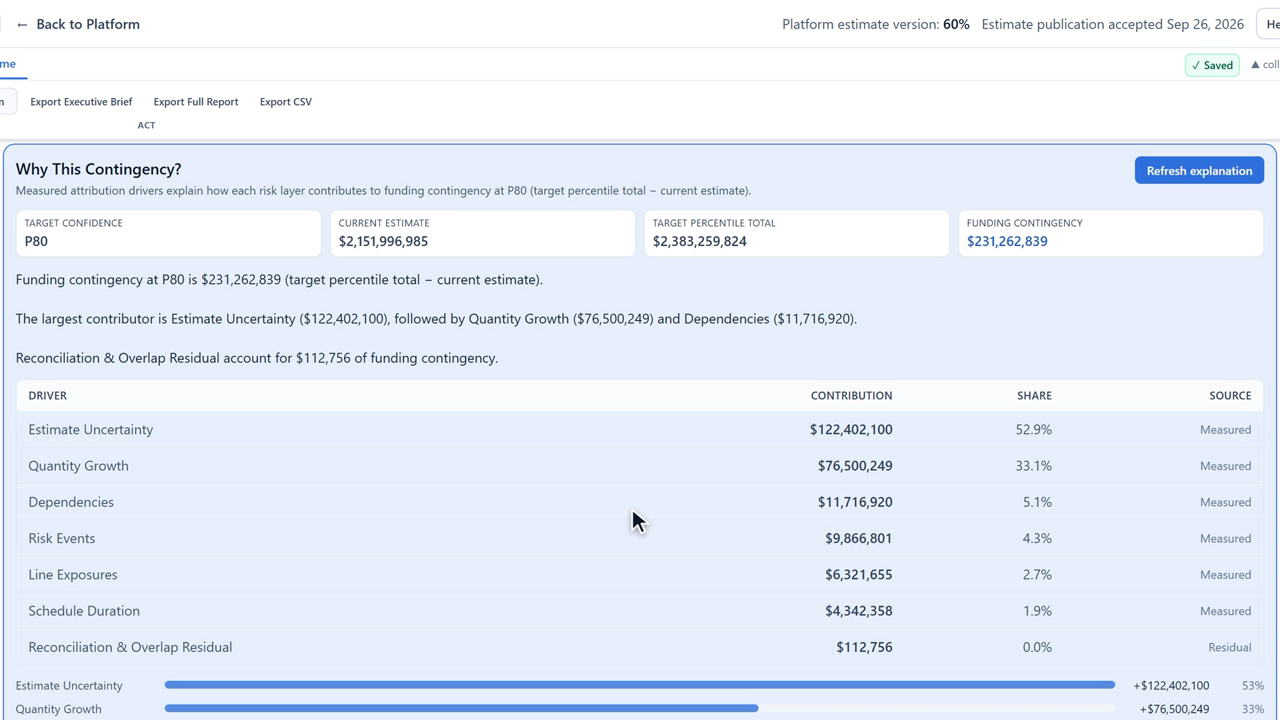
10. Reading Results 2:04What the funding position means, what the contingency is made of, which inputs move it most, and what the schedule and scope growth add.
Jakten Risk tutorial 11: Compare, export, and the limits
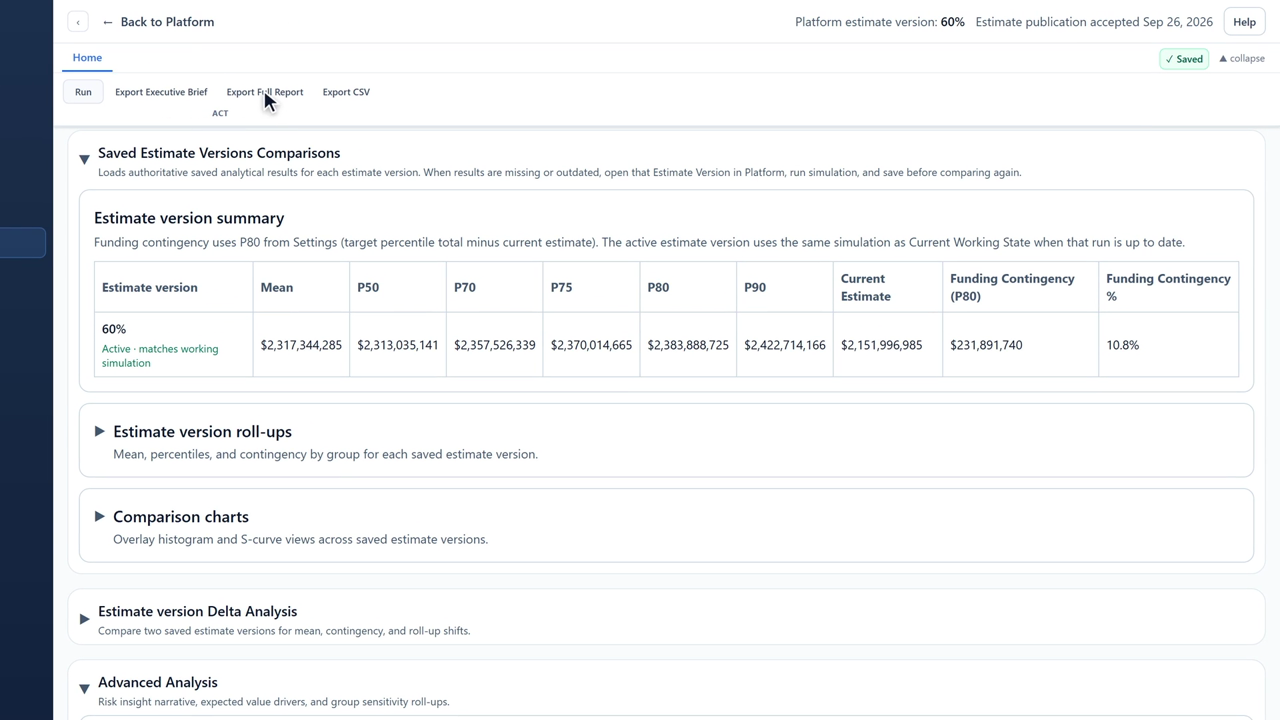
11. Compare, export, and the limits 1:47Every Estimate Version keeps its own saved analysis to compare against. Export the brief or the full report — and know, in plain words, what the model does not do.

Written documentation

Deployment, administration and troubleshooting are documented in writing for customers.

Govern the number, then fund it

Buy Jakten Assurance or Jakten Risk seats, complete checkout, and receive your onboarding email with installer access.